Refine your choices

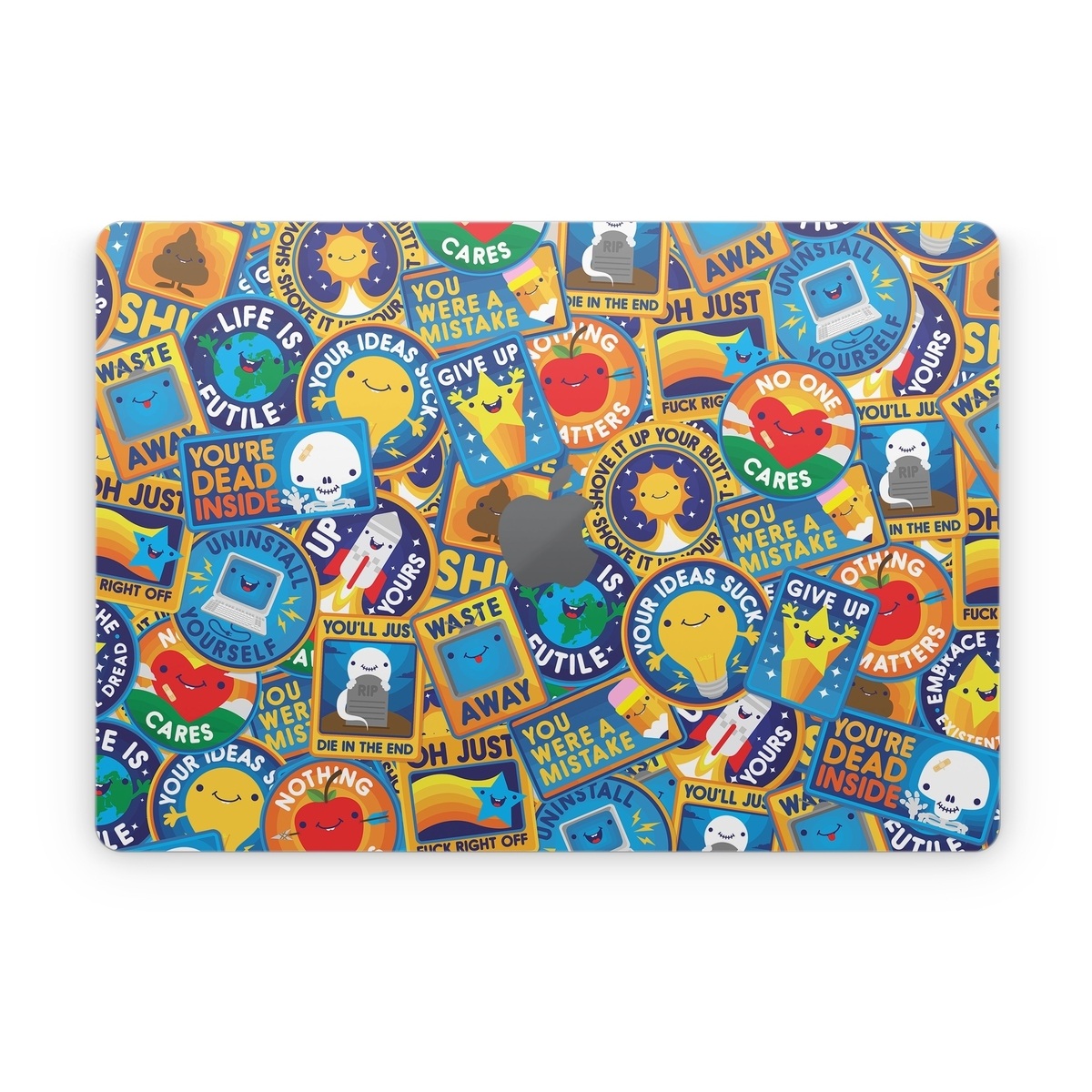
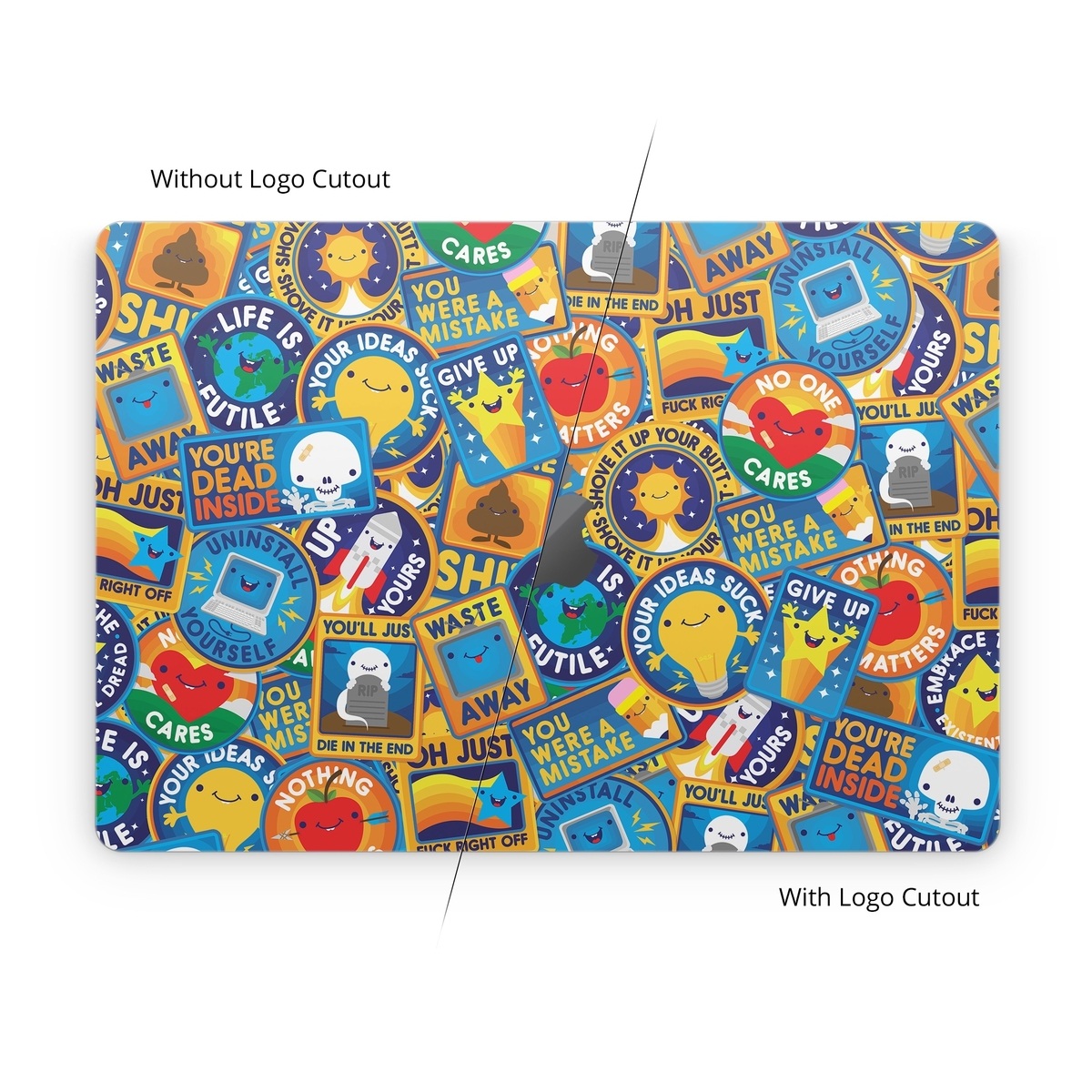
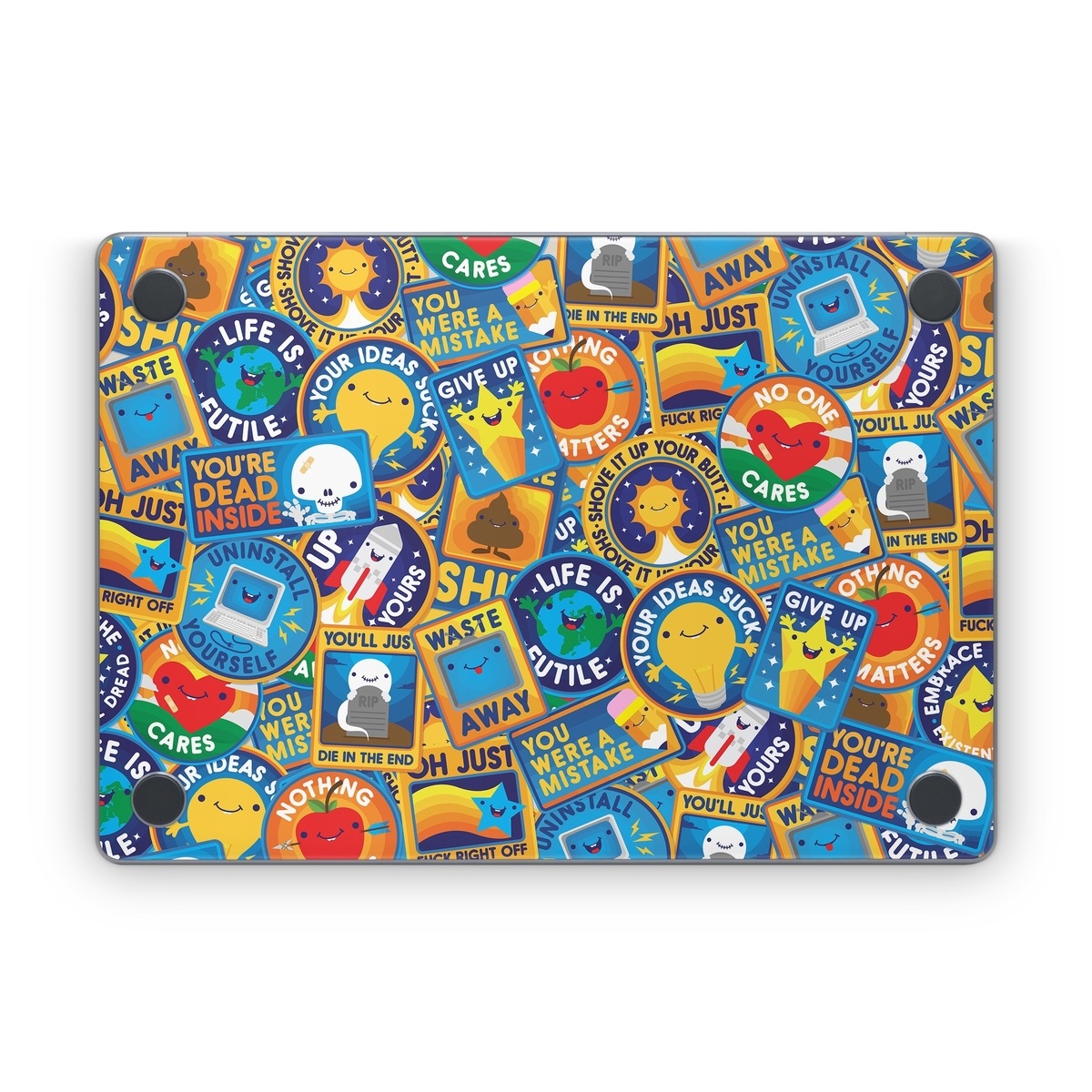
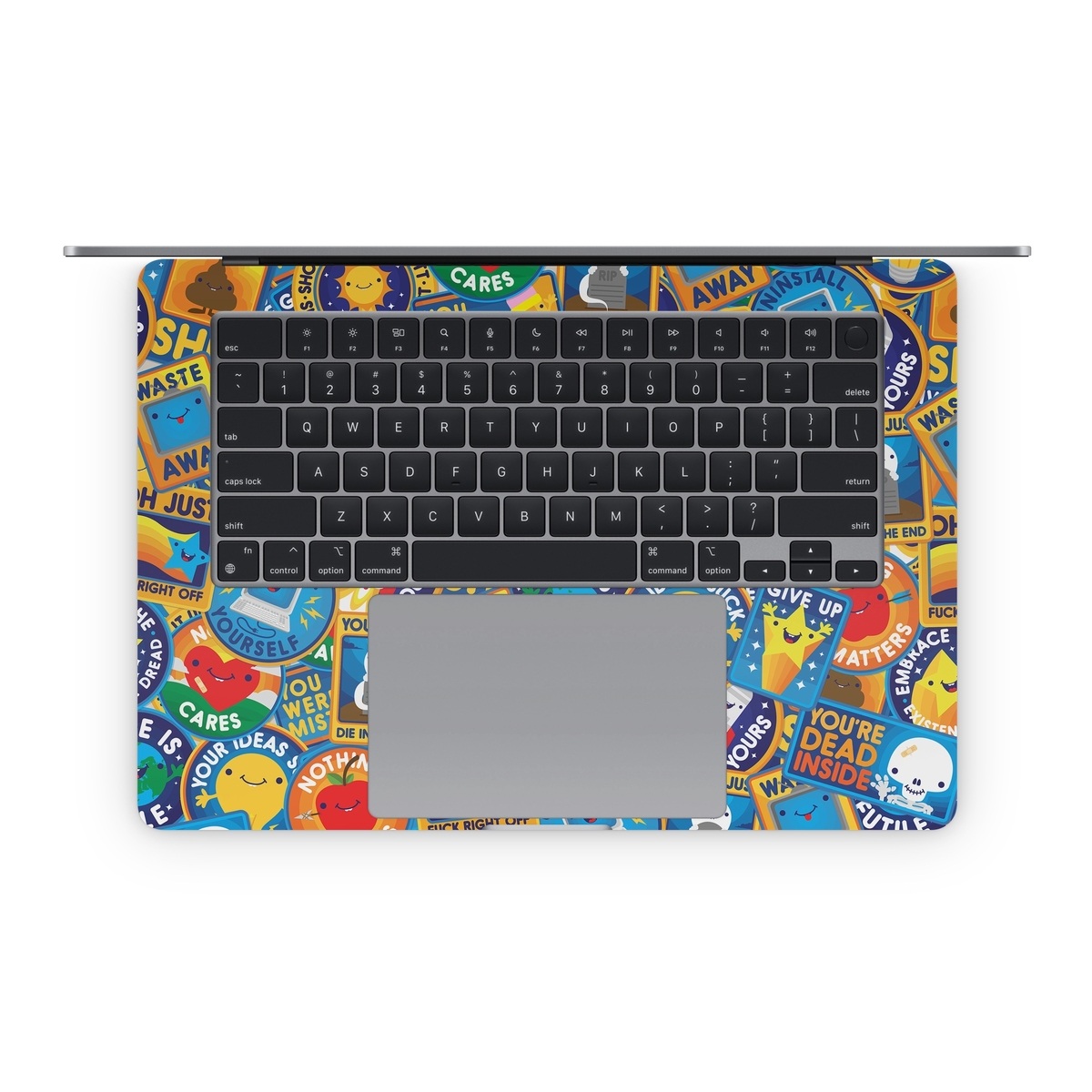
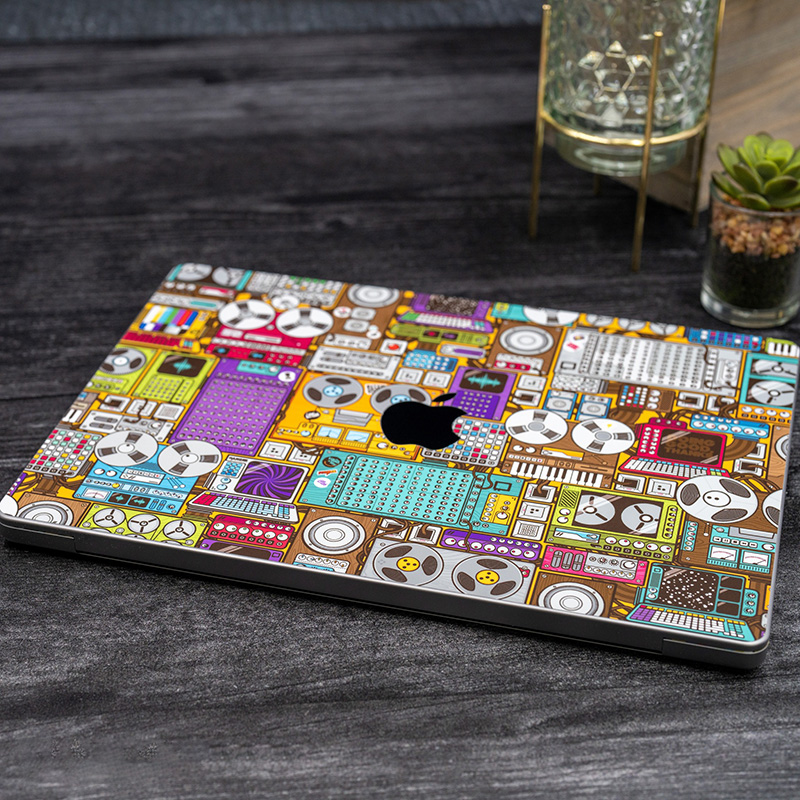

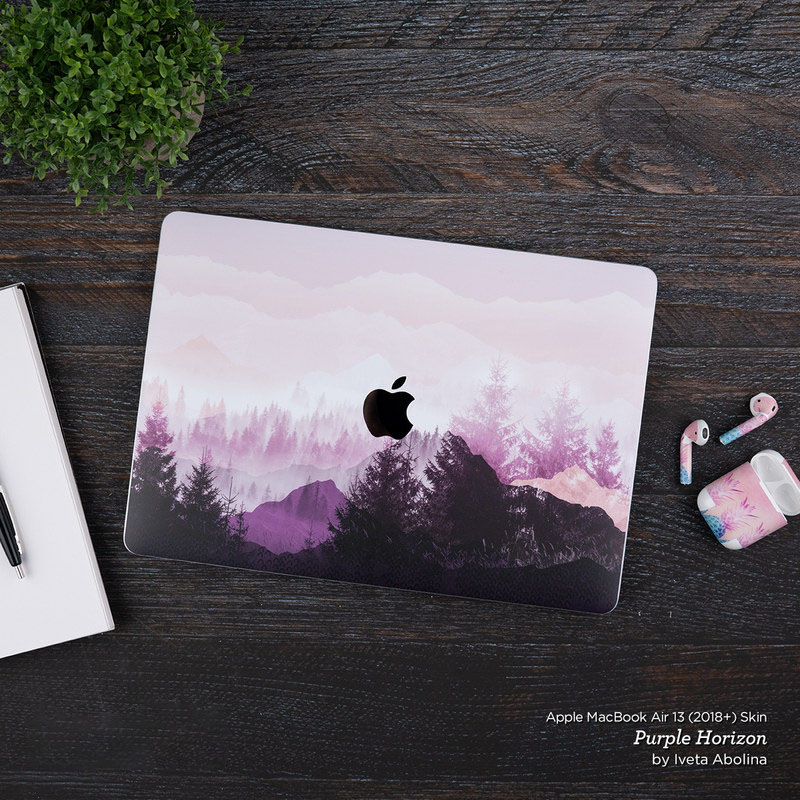

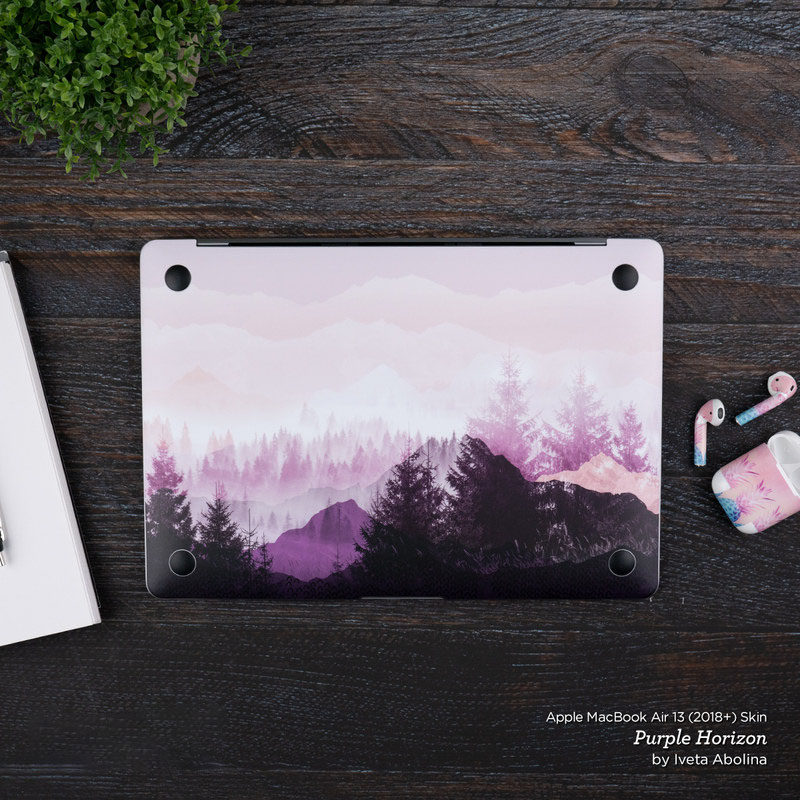
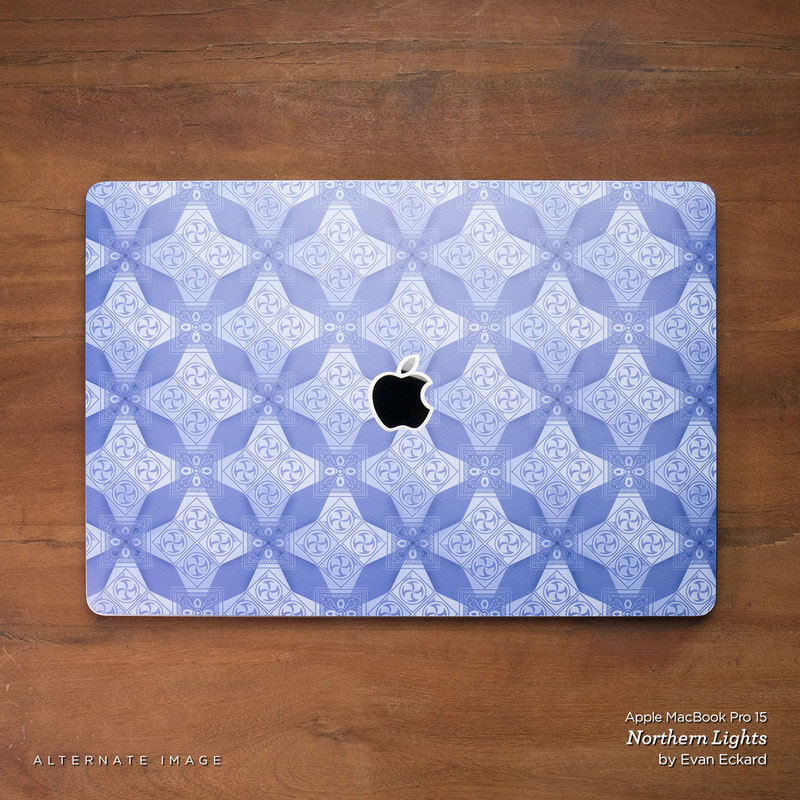

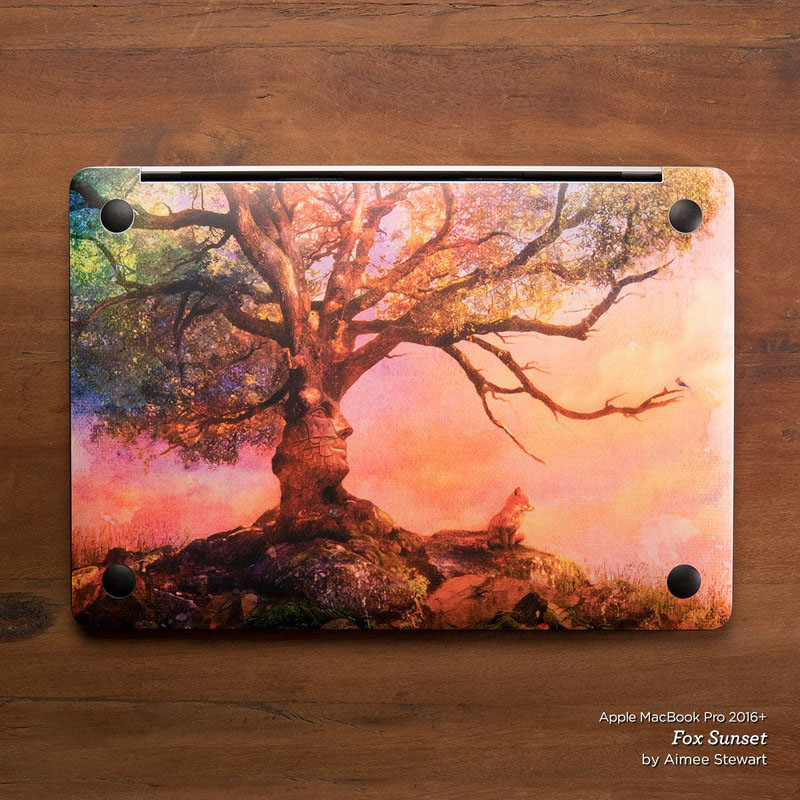
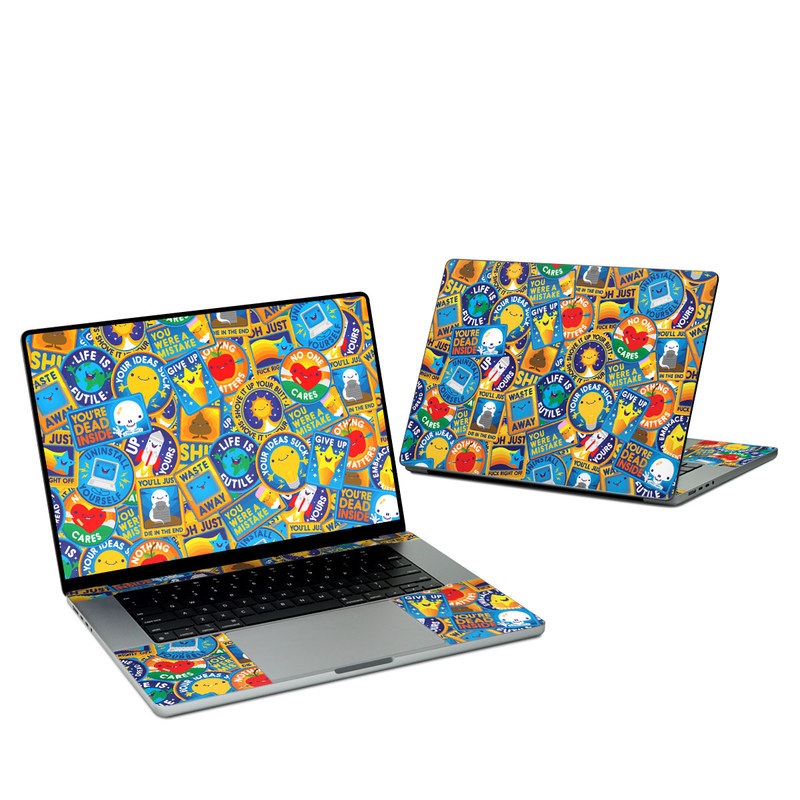
Eff Right Off Apple MacBook Skin
Fits: Apple MacBook Pro, MacBook Air, MacBook Neo - change device
In Stock - Worldwide Shipping
- Personalize and protect your Apple MacBook
- Vibrant, art-quality digital print
- Premium grade cast vinyl, UV resistant ink
- Artwork laminated for long-lasting protection
- Adds no bulk, provides scratch protection
- Easy to apply (repositionable), goo-free removal
- Made in USA
Skins are premium grade decals that feature stunning, vibrant graphics printed on high quality cast vinyl.
Each Skin covers your Apple MacBook, provides low profile protection with no bulk and helps protect from scratches. The unique weaved adhesive allows for fast, easy and accurate application, and goo-free removal.
Wrap your Apple MacBook and make it uniquely yours.
iStyles Apple MacBook Skin design of Pattern, Visual arts, Design, Art, Mosaic, Psychedelic art, with blue, yellow, orange, white, green, red, gray colors, and tagged with patterns, signs, space, objects, hearts, fuck, funny, humor.
Apple MacBook not included. Colors shown may differ from actual color depending on screen calibration.
Model: MB-EFFOFF
Country of Origin: USA
Date Available: 22 April 2023
Why not a case?
It is important not to enclose an Apple MacBook in a case because the unibody construction of the MacBook acts as a heat sink and helps to dissipate heat during operation.
If the Apple MacBook is enclosed in a case, the device will not be able to "breath" as well, resulting in higher operating temperatures that can cause reduced performance and shorten electronics lifespan.
We recommend using a Skin for personalization and scratch protection - when you need to transport the Apple MacBook, put it in a padded bag.
Reviews
iStyles/5Great selection, impressive delivery, lovely quality. Really happy with my purchases.A. Bridges, New Zealand, 30 December 2016
iStyles/5I love the skins. However I am disappointed that there is no skin for the base of the Macbook Air. I messed up the skin for the keyboard and did not want to spoil the skin by pulling it out again. Wish it is easier to center it right and apply without bubbles.L. Liu, Hong Kong SAR, 16 May 2016iStyles responded:
Thank you for the review. We're glad that you like the MacBook Air 13-inch Skins but sorry to hear that you accidentally messed up the inner Skin for one of them.
Skin Application
The MacBook inner Skins are precision cut to cover the area around the keyboard - the complexity and large size of this surface does make Skin alignment a little more tricky but the final effect when it's done properly is well worth the effort. What we generally do during Skin application is to first align the Skin to the major physical cutouts, and in this case, that will be the trackpad area. Peel the whole inner Skin off and start with the bottom half; hold the Skin at both ends of the wrist rest area and gently position until it aligns perfectly to the trackpad. One trick will be to keep the top half (the thin stripes that go beside the keyboard) folded back over the bottom half such that the stripes do not get stuck on your MacBook when you're positioning the bottom half. Once you've aligned the trackpad, everything else will fall in place with a little guidance.
Do not press the Skin down until you are happy with the alignment - this makes it easier to reposition the Skin if the first alignment attempts fail.
When you're happy with the alignment, start pressing the Skin down firmly from the inside out so that bubbles will not get caught. Even if bubbles do get caught, they can be pressed out with a finger as the Skin comes with a special weaved adhesive that allows for air pockets to be "massaged" out.
Replacement Skin
We can get another replacement inner Skin made for you to give the Skin application another go at no charge and you just have to cover the shipping cost to get this new package to you.
If you would like to go for this replacement, please send us an email at [email protected] to let us know which MacBook Air 13-inch Skin was spoil (you purchased two) and we'll set up the replacement order for you. Or if you would like to place an order for something else (matching cases for your phone? We also sent a discount via email), let us know the order number and we'll add the replacement inner Skin to it.
Bottom Skin
The Outer/Inner Combo MacBook Air 13" Skin sets will cover the lid and area around the keyboard on your MacBook but they will not include a bottom Skin. You can technically purchase another "Outer lid" Skin and make cuts manually for the rubber feet on the bottom of your MacBook but we will not recommend doing so. The unibody construction of the MacBook acts as a heat sink and helps to dissipate heat during operation. If the bottom area is covered, the MacBook will not be able to "breath" as well, resulting in higher operating temperatures that can cause reduced performance and shorten electronics lifespan.
We recommend using the Skin for styling and scratch protection - when you need to transport the MacBook, put it in a padded sleeve (like the one you purchased too) or bag. The bottom of the MacBook does not require a Skin as it's usually facing a surface (eg, on a table), it does not come into direct contact with this surface (will not get scratched) because of the rubber feet on the bottom and people rarely see this surface as it's either on the table or packed in a bag.
iStyles/5Love my laptop skin!B. Schaffels, United States, 25 February 2016
I wanted to put a skin on my new computer to help reduce the chance that a stranger might pick it up and walk away with it by making it more obviously "Mine."
I loved the great assortment of offerings, and was finally able to choose something that really fit my lifestyle. It arrived quickly, was packaged very well, and was easy to apply to my computer.
I would definitely recommend iStyles skins to other users.
iStyles/5Great Product! Already referred friends! Love the skin, it fits perfectly... If you take the time to make it fit perfectly lolD. Fleeger, United States, 24 February 2016
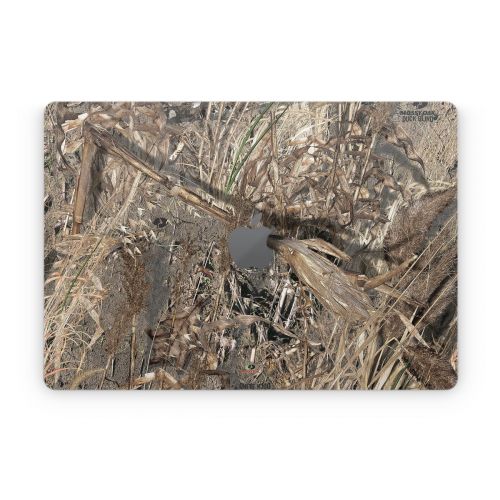
iStyles/5Loved the skin I got for my Mac it was easy to put on and looks amazing!B. Garcia, United States, 12 February 2016
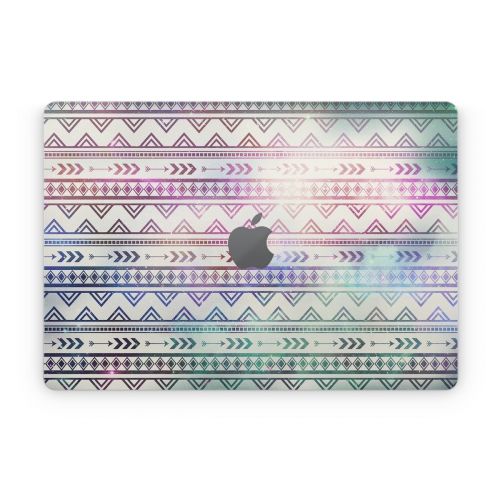
iStyles/5The product is awesome. People have no problem understanding how much I LOVE leopard print. If someone tries to take it, there will be no problem identifying my computer. The iStyles leopard print has glammed it up like no other!J. Jeffers, United States, 30 January 2016
iStyles/5I was a first time user and very pleasantly surprised at the timely, courteous and personalized customer service!L. McLaughlin, Canada, 8 January 2016
I started out with a possible order at their posted price, but then hesitated to complete the transaction when I discovered it was in US funds since it put the cost above my budget. I received a quick inquiry from iStyles customer service to ask if there was anything they could do to help, and then offered me a discount which more than covered the exchange rate. I was very pleased and confirmed the order. I placed the order way too close to expect it to arrive for Christmas, and was very impressed when the item actually arrived several days later and in time to be under the tree! I would not hesitate to use and recommend iStyles to anyone!
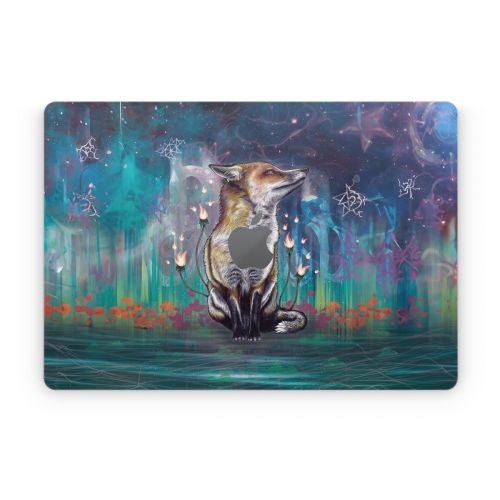
iStyles/5Almost perfect but....almost.L. Wojcik, Japan, 23 October 2015
Delivery didn't take long.
After receiving the product I was positively surprised with how good it actually looks.
You can say just from looking at it that it was printed just few days ago and they even sent it (the sticker) not cut out but with whole surroundings so you may use those pieces for anything you want.
It's really great because they added small sticker for MacBook charger too.
It's incredible how well it lies on the surface of my MacBook body especially considering the fact that I had many really deep scratches on it.
The only thing if I may say was a negative surprise. I don't know if I'm supposed to stretch it strong but it doesn't really cover whole surface of my MacBook . It lacks about 2mm on each side.
This is why I'd give 4/5iStyles responded:
Thank you for the review. The MacBook Skins are cut very slightly smaller so that they're easier to apply. The MacBook Retina 15-inch is rather large at 35.89cm x 24.71cm - if the Skin is cut precisely to fit and a customer accidentally stretches the Skin by a little, it will result in an overhanging Skin edge (which is worse). The Skin can be stretched gently into place to cover the last 1 to 2mm for an absolutely perfect fit if you wish but it's all right to leave your Skin application as it is because this tiny gap is not visible compared to the overall Skin size and it helps reduce the possibility of the Skin edge getting caught and damaged.
We're glad that the package arrived quickly, and that you liked how the Skin covered the deep scratches on your MacBook and how good the Skin looks on the whole.
iStyles/5Perfect, no issues at all.J. Neves, Portugal, 30 June 2015
The order process was simple, the product was what expected.

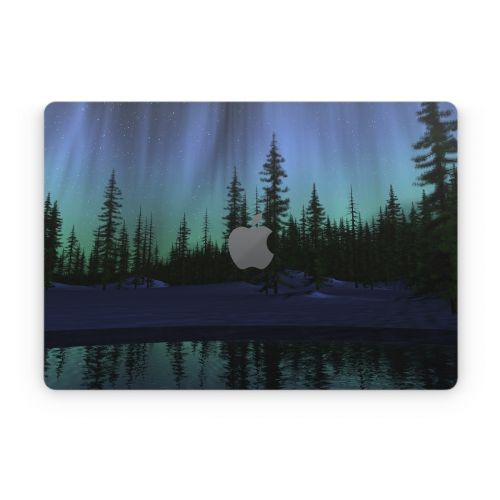
iStyles/5I am very happy with my Aurora skin for my MacBook. It was so easy to put on. Just take your time! You will Enjoy whatever skin you get for your device!! When I call them they were helpful in answering all my questions. Thanks istylesG. Ptacek, United States, 3 June 2015
Added Eff Right Off Apple MacBook Skin to your shopping cart.
View your Shopping Cart or Style Another Device with "Eff Right Off"
Customize Eff Right Off Apple MacBook Skin
