Refine your choices

Laptop Skins


What are Laptop Skins?
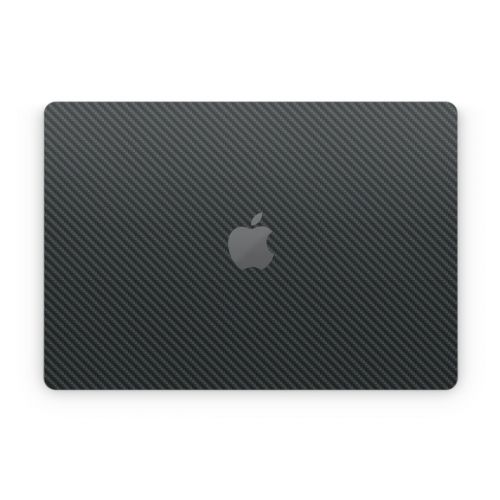
Style your Laptop - iStyles it yours! Skins are premium grade decals that feature stunning, vibrant graphics printed on high quality cast vinyl.
Each Skin covers your laptop, provides low profile protection with no bulk and helps protect from scratches. The unique weaved adhesive allows for fast, easy and accurate application, and goo-free removal.
Wrap your laptop and make it uniquely yours.
Popular
New
Similar categories
Reviews
Showing 1 star reviews only. Show all 248 reviews
Displaying 1 to 6 (of 6 reviews)
iStyles/5I had bought this custom laptop skin for 40$. I wouldn't recommend this to people looking for a custom skin due to the poor packaging it came in, the little to none advisory on what voids the return, and pre-opened/creased package/skin.A. Swiderski, United States, 26 August 2024
Had to end up throwing it away after all of the attempts to save said product. I ended up voiding the return by trimming it by a thin length because they sent me the wrong size by only a small length. they do not specify in the email what voids returns. So do be careful as you can not modify the product in any shape way or form. I had found this out the hard way.iStyles responded:
We are sorry to hear about your dissatisfaction.
Our Skins are packaged in a hard cardboard envelope that almost always ensures that the products arrive in perfect condition. Your package somehow arrived bent and opened. This does not mean that the packaging was "poor". It was opened by someone and we're guessing that the postman bent it to squeeze it in your mailbox.
We asked you for photos and were ready to get a replacement shipped to you but you replied saying that you put the Skin on and "the sticker fixed itself". As you have experienced, the Skins are flexible and minor folds do not damage it whatsoever. You were happy then and said that your laptop "now looks great".
You ordered a custom sized laptop Skin and this was cut precisely to the size specified in the order. Apparently, this was not the size you needed and you had to trim the Skin. When measuring out the dimension you want a Skin cut to, you need to measure the laptop lid physically and not use the dimensions of the laptop provided in online specifications. The dimensions of the flat surface on a laptop lid is usually slightly smaller than the overall size of the laptop. The Skin will be cut to the dimensions specified and it is important that these dimensions are correct.
A day later, you wrote in to say that you tried to re-adjust the Skin, dropped it and it is now full of dust and debris.
Given the circumstances that you have described, the product no longer qualifies for a return. However, we gave you a really huge discount coupon that you could use to get a replacement (with the right dimensions), and supported you as best as we could in our email replies with huge chunks of tips and information specific to your use case. We hope our emails and the large discount help.

iStyles/5Do Not Buy - Cut is Not Precise.H. Jamal, United States, 8 October 2022
I got a skin for my Dell XPS 15 9560. The skin fits on the top side, but it's not cut precisely around the corners. Also, the circular cutout for the Dell logo is not centered!! I tried centering it, but the skin is just not cut properly. Disappointed considering that this skin costs as much as the skins of another laptop skins company which I had purchased skins from and loved (starts with a "D"). The only pro is that this skin seems to stick well - only time will tell...iStyles responded:
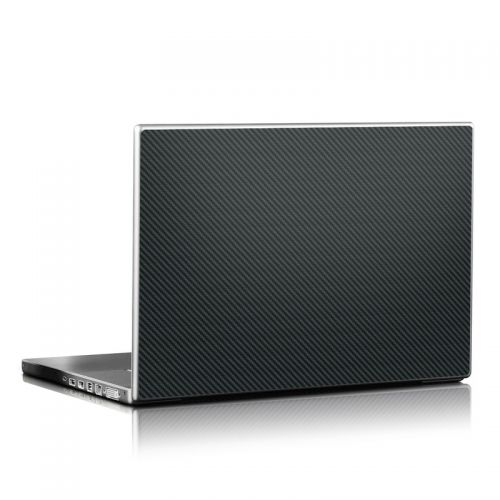
We're sorry to hear that you did not like the Carbon Dell XPS 15 9560 Skin. This Skin set does fit a Dell XPS 15 9560 but it sounds like you've applied the lid Skin incorrectly if you found the Dell logo not centered. This lid Skin is supposed to be applied such that the logo is centered first before aligning the edges.
We're guessing that you aligned an edge first and then tried to force the rest of the Skin into place. This is incorrect as you're supposed to centre the logo first (not align the Skin edge).
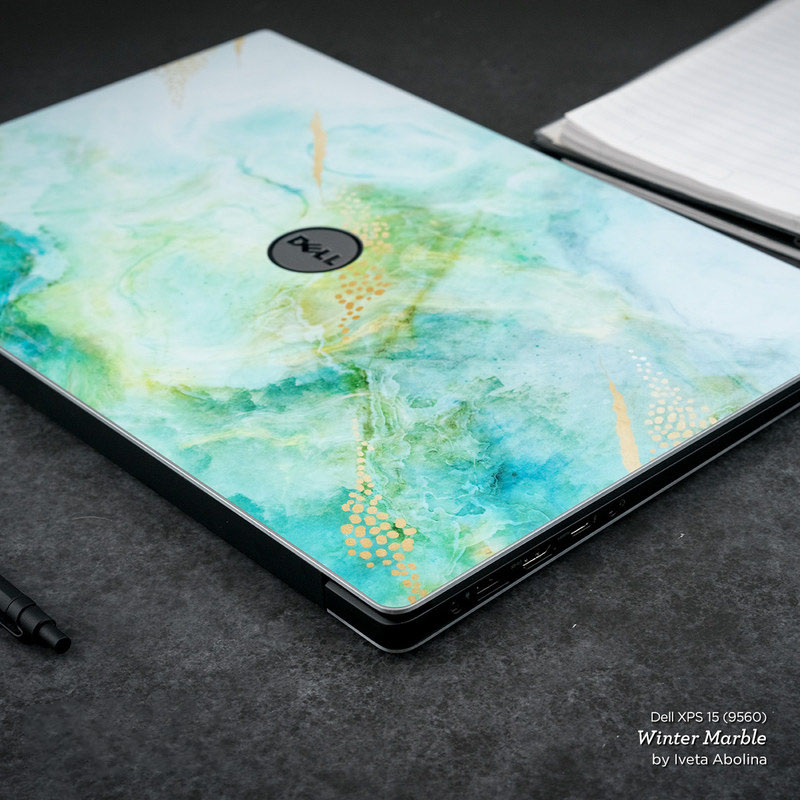
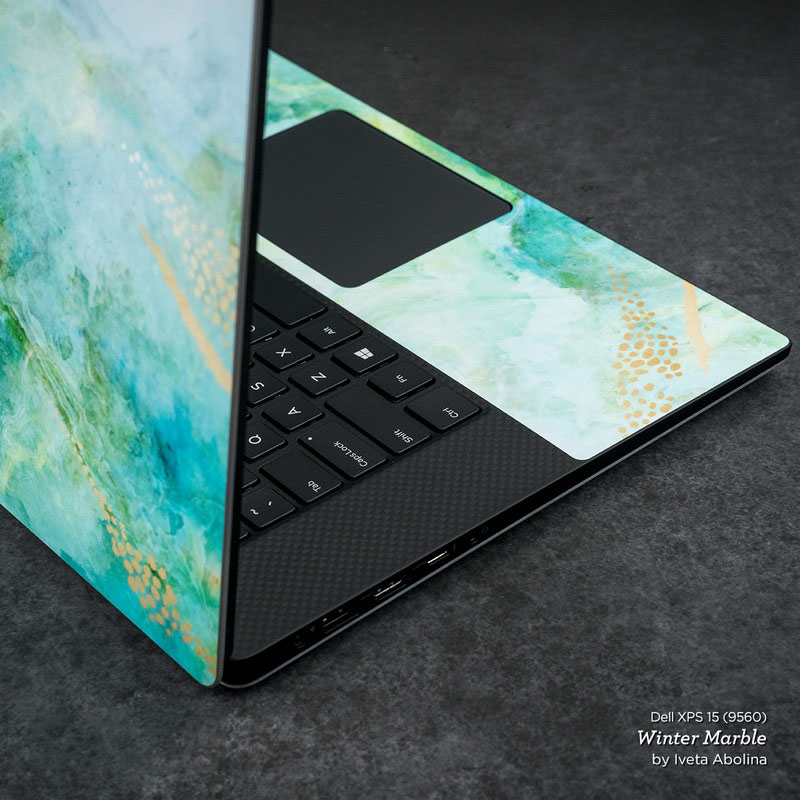
The lid Skin edges are not supposed to be flush against the edge of the lid as such edges will get caught up easily during use and get damaged. There is a very tiny gap between the Skin edge and the laptop lid edge (as shown in the photos below); this makes the Skin edges less vulnerable and ensures that they stay down.
Try gently peeling the Skin off and reapplying, centering the logo first before aligning the edges. If applied correctly, the Skin will look like this and it does fit perfectly:
iStyles/5Panels don't entirely cover the unit, there isn't even a bottom panel, and with the pieces on, I can't flip my screen all the way around (Surface laptop). Even the image is lack luster. Garbage product, will be returningK. Mayer, United States, 24 September 2022iStyles responded:
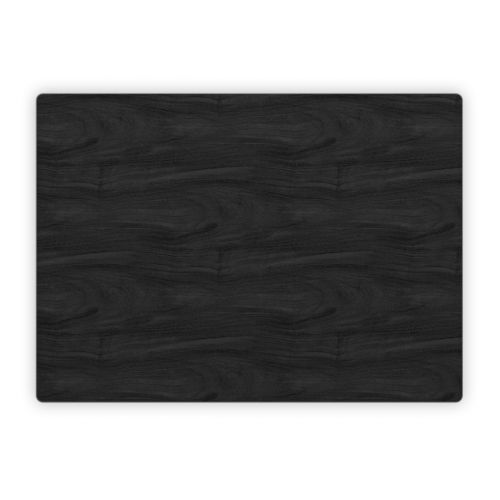
We're sorry to hear that you did not like the Black Woodgrain Microsoft Surface Laptop Studio i5 Skin.
This Skin set covers the top outer lid and area around the keyboard as shown in the product photo. The sides and bottom of the laptop are not covered. It is important not to cover the bottom of this laptop as this is where heat is dissipated during operation. If the bottom area is covered, the laptop will not be able to "breath" as well, resulting in higher operating temperatures that can cause reduced performance and shorten electronics lifespan. We recommend using the Skin for styling and scratch protection - when you need to transport the laptop, put it in a padded sleeve (matching designs available) or bag. The bottom of the laptop does not require a Skin as it's usually facing a surface (eg, on a table), it does not come into direct contact with this surface (will not get scratched) because of the rubber feet on the bottom and people rarely see this surface as it's either on the table or packed in a bag.
Though we've not seen this issue ourselves, we had one other customer who had issues with the screen not staying completely flat in tablet mode and we're guessing that this may be due to the tight tolerance in the build of the lids of some Microsoft Surface Laptop Studio i5 units. We do have a statement on our product page stating that this can happen. Our Skins are ultra thin because of the premium cast vinyl used but such lids are so tight that adding even a thin layer in between prevents the mechanism from folding flat. The only solution for such lids is to remove one or both outer lid Skins.
Our printers print at high resolutions but the perceived "quality" of the image very much depends on the artwork itself. In this case, the Black Woodgrain design simulates the look of the wood grain. It looks great and is a very popular design. However, we do understand that if you're examining it up close, the design may not appear as brilliant as some of the others in our collection. Black Woodgrain is supposed to be understated and simulate the look of wood, even if it's not real wood.
We're sorry that this did not work out.
Update: The bottom half of the lid Skin is now cut slightly shorter so that tablet mode will work better on Surface Studio lids that are tighter.
iStyles/5Did not fit my 14inch chrome bookM. Foster, United States, 23 May 2020iStyles responded:
We're sorry to hear that the Skin did not fit. The product that you purchased was made specifically for the HP Chromebook 14-X010NR.
This Skin will only fit the 14-X010NR model and not any other 14" Chromebooks. What is the precise model of your Chromebook?
We'll be sending you an email shortly to help you out.
iStyles/5Terrible, expensive. Just skin in front laptop, not for all. Don’t buy itH. Do, United States, 18 February 2018iStyles responded:
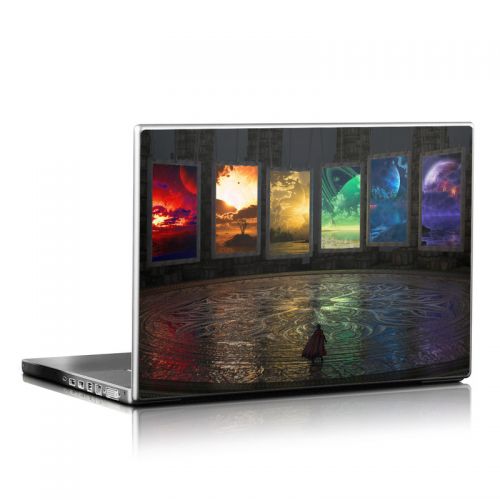
We're sorry to hear that you did not like the Skin coverage. You custom sized a universal fit laptop Skin and this Skin set only comes with the lid Skin.
If you have a laptop that we support specifically, the Skin set may come with additional coverage for the wrist rest or even bottom of the laptop, but custom sized universal fit laptop Skins can only be custom sized for the laptop lid.
iStyles/5Bought a carbon fiber skin for my macbook pro 13 retina without cutout for the top logo. Ordered outer and inner skins. Expected there would be a bottom, but since it's not pictured I should have known better. Fit on the top is not good. I was able to center it on the top fine, but there is absolutely no way to get it on the top without leaving a very small border around all four edges. It's simply just a mm or two too small in all directions. Also even though the skin covers the logo, the skin is not fully opaque and the logo glows through it. It looks very bad. I ripped it off and trashed it. $42.00 in the trash. not pleased. I won't make the mistake of ordering from here again.B. Lewis, United States, 29 September 2013iStyles responded:
Thank you for the feedback. We're sorry to hear that you had a bad experience with the Skin. We'll try to address your concerns as follows:
1) The "Outer" MacBook Skin does not cover the bottom because it is important to allow the device to "breath" during normal operation. This bottom area gets hot and the unibody acts as a heat sink - if it is covered, the heat will not be able to dissipate properly. The description states coverage for the top for the outer Skin and the area around the keyboard and trackpad for the inner Skin. We recommend using a Skin for styling and protection of the scratchable unibody during normal operation and when transporting the MacBook, put it in a padded sleeve or bag.
2) The Skin is opaque but the MacBook logo glow will be visible softly in very dim light conditions. Most customers like this effect and this is only visible in dim lighting. (the logo can be cut out for full visibility)
3) The top Skin will fit. If it's just an mm off on yours (out of the huge surface area on the lid Skin), it means that the Skin can be better stretched into place during the application process.
Customize
